Downloader for Fire Stick
With Downloader you can download any app onto your Amazon Fire TV Stick — including apps that are not available in the Amazon Appstore. It works on every Fire TV model: Fire TV Stick, 4K, Lite and Cube.
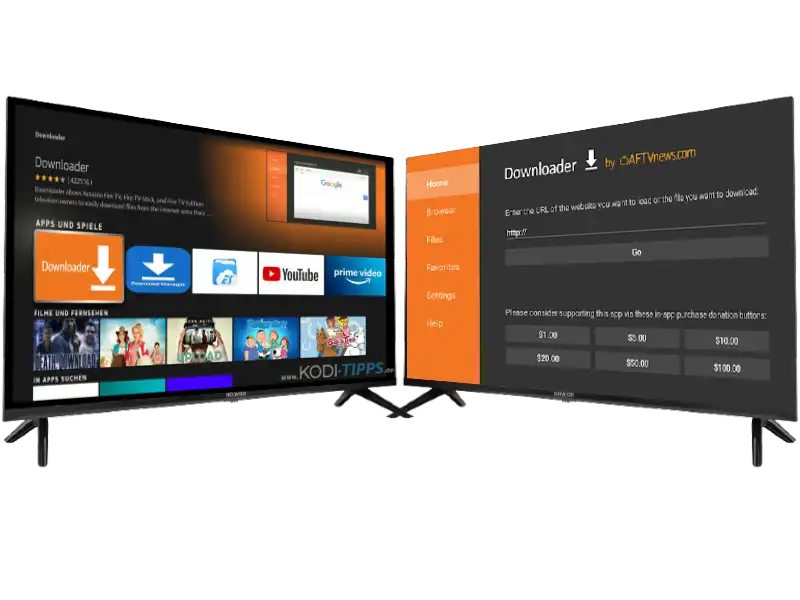
Install from the Amazon Appstore
- From the Fire TV home screen, open Find → Search.
- Type “Downloader” and select the orange Downloader app by AFTVnews.
- Press Download / Get and wait for the installation to finish.
Allow app installs
- Go to Settings → My Fire TV → Developer Options.
- Select “Install unknown apps”.
- Turn the option ON for Downloader.