Downloader for Smart TV Android
Downloader can be installed on every Android TV brand and model: Xiaomi Mi TV, Panasonic, Hyundai, Sony Bravia, TCL, Hisense, Haier, JVC and more.
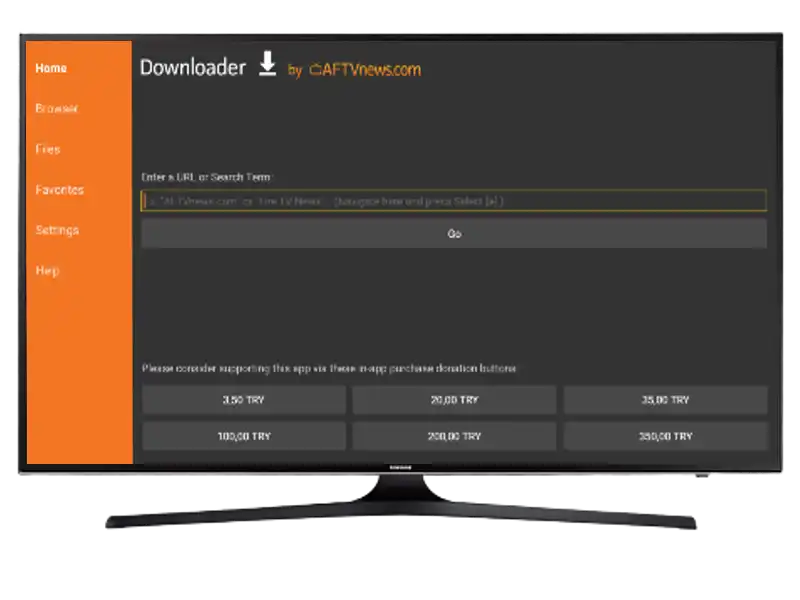
Install from the Play Store
- Open the Google Play Store on your Android TV.
- Search for “Downloader”.
- Select the app by AFTVnews and press Install.
- Open the app and grant the requested permissions.
Samsung and LG TVs
Samsung (Tizen) and LG (webOS) TVs do not run Android, so Downloader cannot be installed on them directly. On those TVs, use a Fire TV Stick or an Android TV Box connected over HDMI instead.